
Usability Audit for Online Stores: Where Shoppers Leave Without Buying
A UX audit reviews the shopper’s path from the first visit to payment using Google Analytics, session recordings and click heatmaps. We find the steps where people leave and deliver a prioritized list of fixes, with wireframes for the problem areas and an estimate.
$360 · 7 business days · session recordings and click maps
- UrgentCart hangs for up to a minute when the shipping service does not respond
- UrgentThe first screen takes 12 seconds to load on mobile
- ImportantThe theme does not show the terms at the checkout step
- ImportantHalf of the visits in analytics are bots, so bounce rates are distorted
When you need a UX audit
The interface is worth checking when you have traffic but fewer orders than you should.
Traffic, but few orders
Visitors come from search and ads, browse products and leave. A website conversion audit shows at which step and why.
Abandoned carts
The product is in the cart, but no order follows: shipping, the form, the payment method or a price that grew at the last step gets in the way.
Mobile shoppers buy less
Plenty of mobile visitors, yet the orders come from desktops: somewhere the mobile version breaks the path.
Before a redesign
The audit shows what works and what does not before you pay for a new design. Targeted fixes are often enough.
What an interface audit includes
Eight areas: we look at the interface through a shopper's eyes and compare it with what the data shows.
Path to the order
We walk through the key scenarios as a shopper: from arriving from search to payment, including search, filters and the cart.
Navigation and catalog
Menu, categories, breadcrumbs, listings: whether a shopper finds the right section in two or three clicks.
Search and filters
Whether search handles typos and synonyms, whether filters leave the results empty and how easy they are to use on a phone.
Product page
Price, availability, delivery time and cost, photos, specifications and reviews: whether there is enough to make a decision.
Cart and checkout
The number of steps and fields, shipping and payment options, errors and stalled calculations.
Forms and input errors
Phone input masks, address suggestions, error messages, buttons that do not respond.
Mobile and browsers
iOS and Android phones, tablets, Safari, Chrome and Firefox: what breaks in the layout and what cannot be tapped.
Behavior analytics
The funnel, click and scroll maps, session recordings. We filter out bots so they do not distort the picture.
Shoppers do not reach the site?
Then the store is not being found in search: start with an SEO audit.
What we find in stores
Four cases from our projects. We do not disclose store names.
The cart hung for up to a minute
The shipping service returned errors, and the store waited for it with no time limit: shoppers stared at the shipping cost calculation for up to 60 seconds. After the fix the calculation takes 0.3 s, and when the service fails the shopper sees a message instead of an endless spinner.
12 seconds to the first screen on mobile
The main banner loaded after all the scripts: on mobile the first screen appeared after 12.1 s, of which 10.4 s was waiting. PageSpeed score: 36 out of 100.
Terms were not shown at checkout
The store's theme did not render the standard terms block at the checkout step: shoppers saw neither the installment terms nor the consent checkboxes the store had set up.
Half the visits were bots
Bots made up 49% of visits, with bounce rates of 90–99% and 6,606 visits tagged as ad traffic. You cannot draw conclusions about the interface from data like that, so we clean up the analytics first.
We will show you the step where shoppers drop off
We review session recordings and click maps and deliver a prioritized list of fixes in 7 business days.
What you get
The report makes sense without us: your designer sees what to redraw, your developer sees what to fix.
Findings with screenshots
What gets in the shopper's way, where exactly and how to fix it, labeled urgent, important or recommended.
Wireframes for problem areas
What the screen should look like after the fix: a layout a designer or developer can build without guesswork.
Funnel analysis
Where shoppers drop off according to Google Analytics, from arrival to payment, separately for mobile and desktop.
How much a usability audit costs
The price of the usability audit is fixed. If the fixes start within a month, we credit it toward them.
Conversion
12 hours of work
UX audit
Where shoppers stumble on the way to an order.
$360
7 business days · session recordings and click maps
- Purchase scenarios and navigation
- Click and scroll maps
- Forms, filters, cart
- Mobile version
- Fix estimate
All in one
All in one
34 hours of work
Comprehensive
The full picture: tech, traffic, conversion and risks.
$1,200
15 business days · estimate and a call with the team
- All eight areas
- Security, versions, backups
- Analytics and lead tracking
- Load, bots, peak-season readiness
- Estimate and a one-hour report review
We implement the fixes
CS-Cart designers and developers are on our staff: we make the fixes from the report's estimate.
UI design
We redesign the screens where shoppers drop off: product page, cart, filters, mobile version.
UX prototyping
If there are many fixes, we build a prototype of the new shopper journey before any design work starts.
Custom development
Form masks and suggestions, shipping calculation, filters, search: everything that is fixed in code.
How the website usability audit works
7 business days from access to the call.
Half an hour about your store, customers and competitors. We need read-only access to Google Analytics and your session recordings.
The funnel, bounce rates, click and scroll maps, session recordings. We filter out bots so they do not distort the picture.
We walk through shopper scenarios on mobile and desktop and test forms, filters and the cart.
We hand over the findings, wireframes and estimate and spend an hour going through them with you or your designer.
UX audit FAQ
Answers to what clients ask before ordering.
A UX audit reviews the shopper’s path through the site: where they search, hesitate and leave. A usability audit is the same thing under an older name. We do not separate them: we look at both how easy the interface is to use and the behavior data. The user interface (UI) is included too, which is why this work is also called a UX/UI website audit.
$360 and 7 business days from the moment we get access.
Read-only access to Google Analytics and to your session recordings and heatmaps, ideally covering the last three months. If your CRM has an order funnel, that helps too. If needed, we sign an NDA.
We set it up on day one, for example with Microsoft Clarity. While recordings accumulate, we review the interface by hand using shopper scenarios. If traffic is low, we agree on the timeline separately.
Usually not. Most findings are resolved with targeted fixes: a form field, button text, the order of blocks on the product page, shipping calculation speed. We recommend a redesign only when rebuilding the whole screen costs less.
Yes, based on the estimate in the report. Your own team can implement them too: every finding comes with a fix and an estimate in hours.
The UX audit covers the website only, including its mobile version. We audit apps separately, with their own estimate.
Case studies



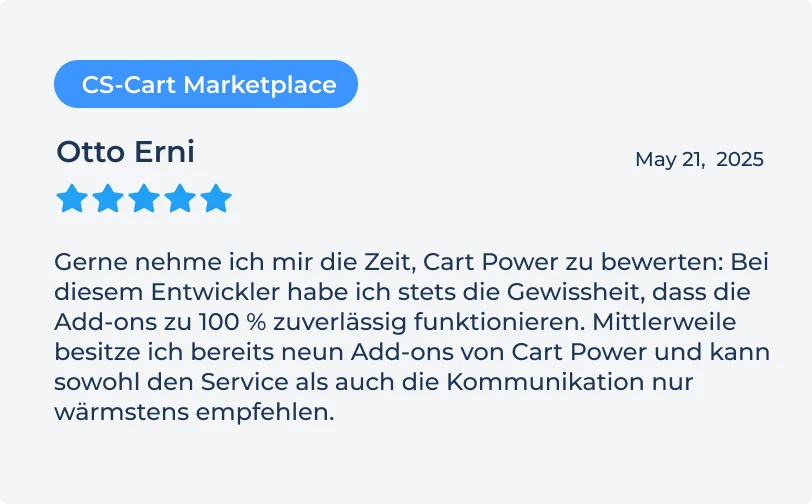
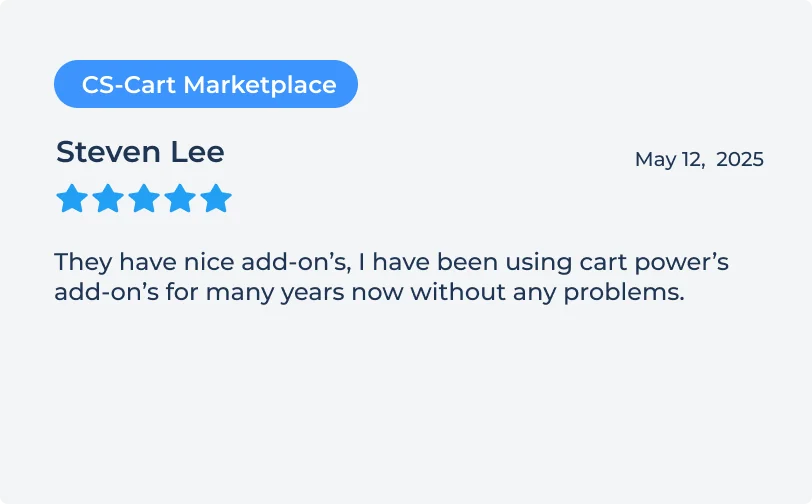
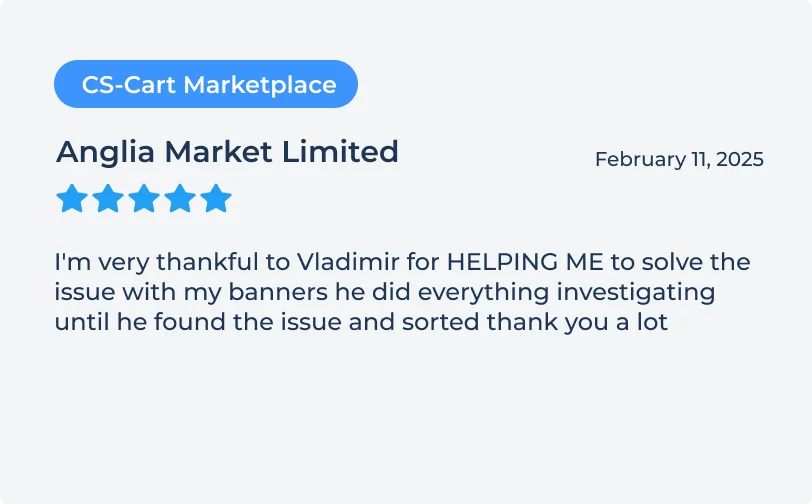
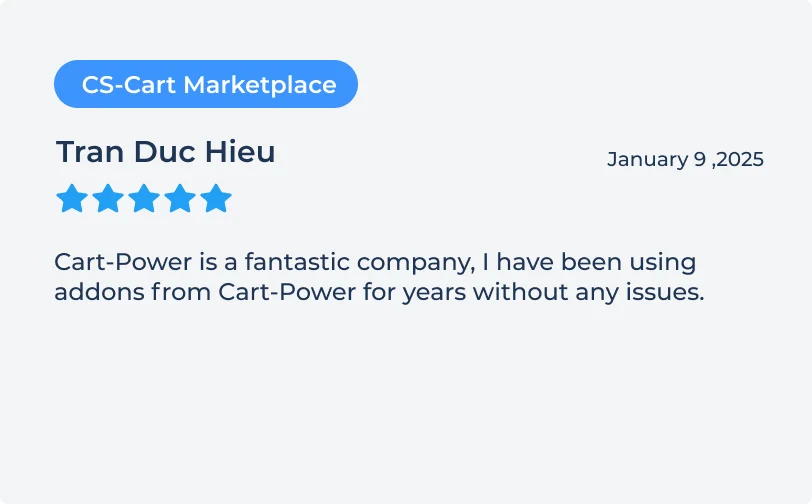
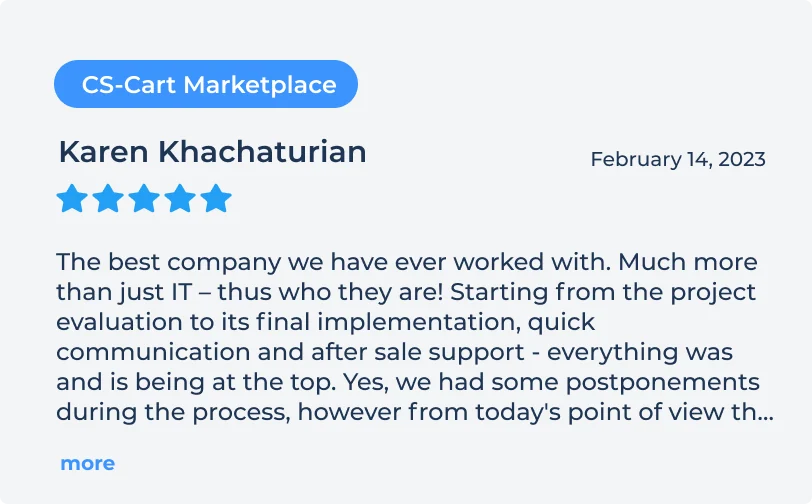
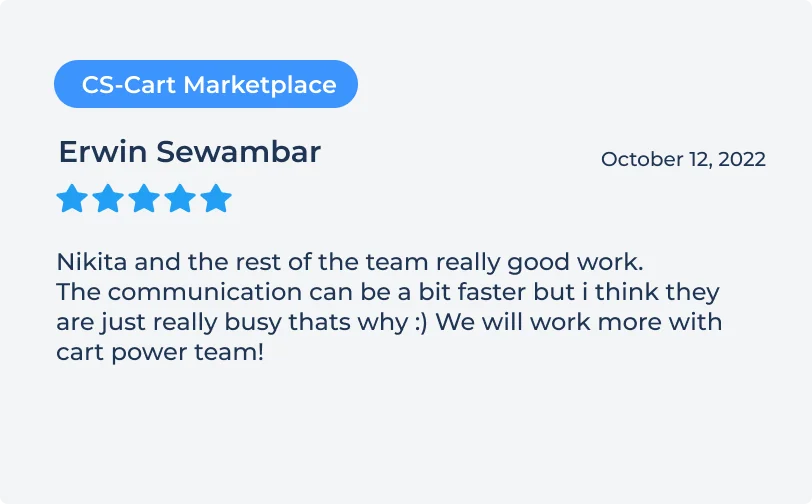
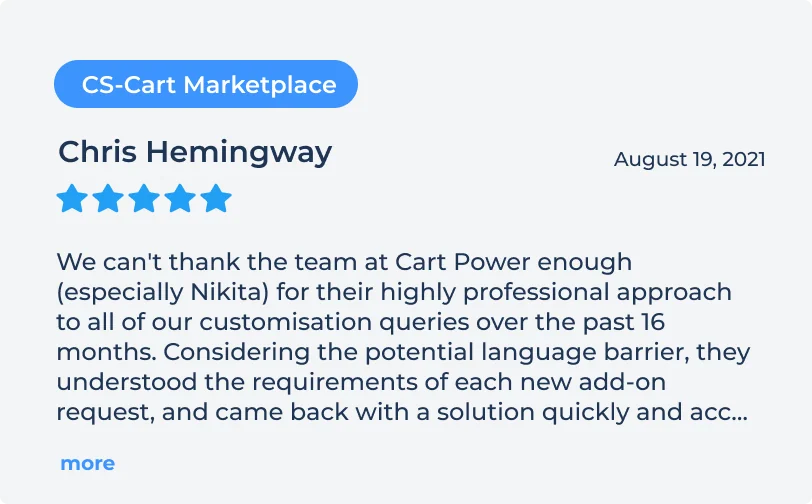
Client reviews
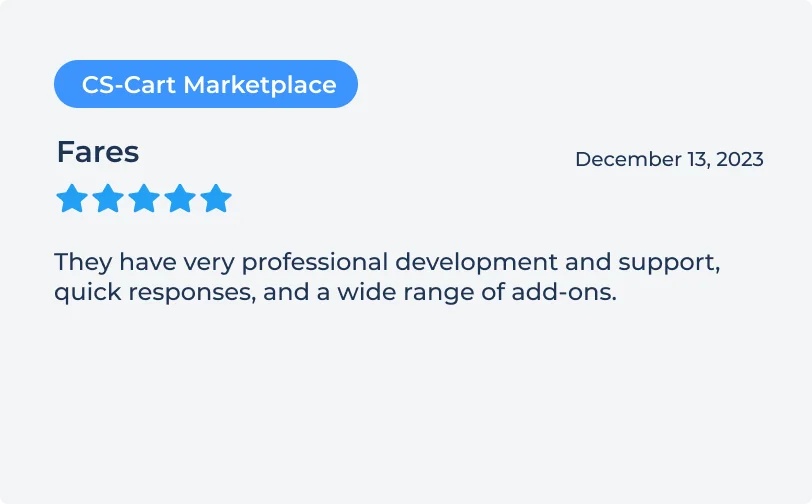
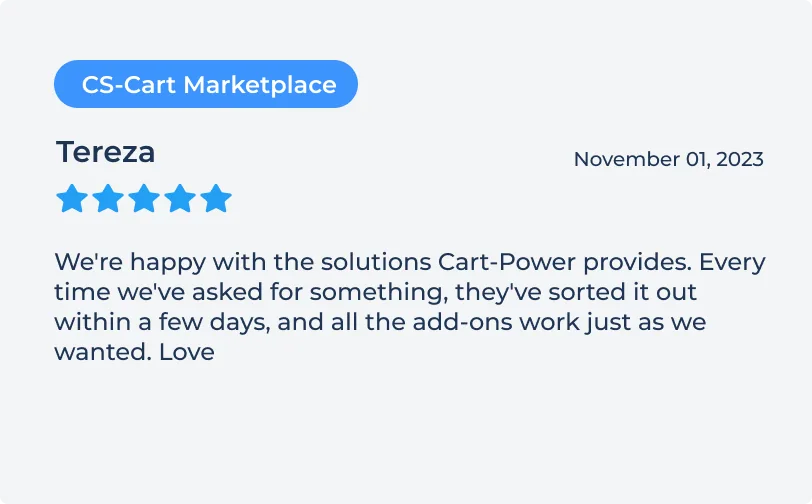
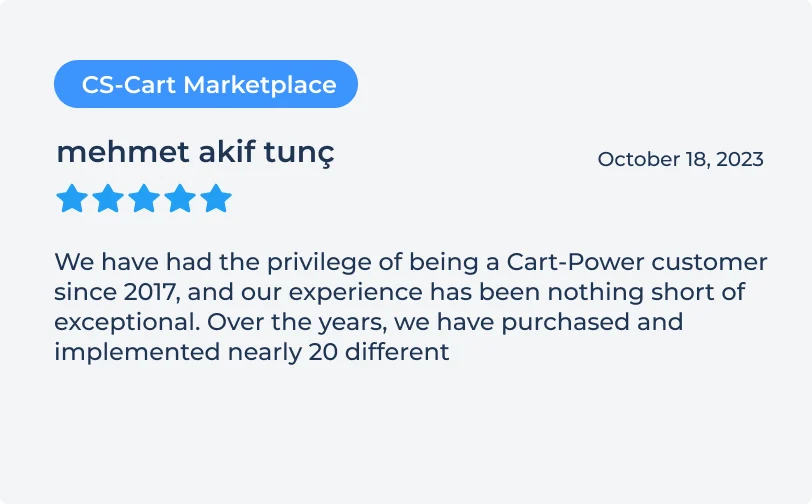
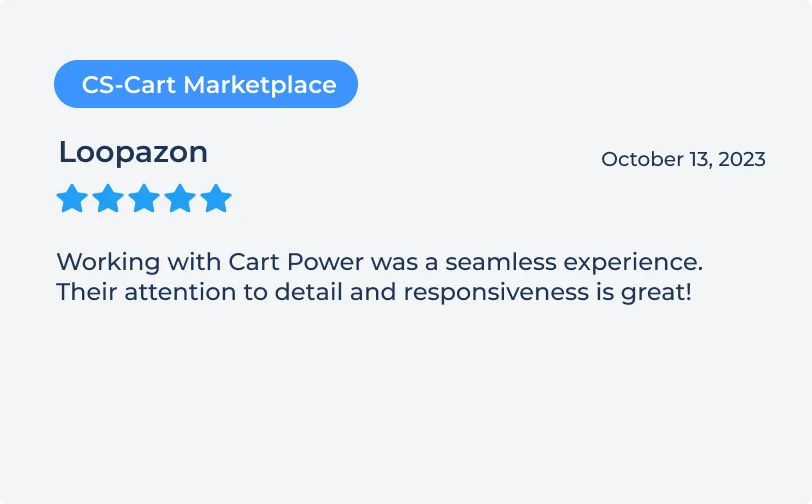
What our clients say about working with us.


Order
a usability audit
Find out what to change to get more sales.