
CS-Cart Speed Optimization: Page Load, Server and Core Web Vitals
We speed up page loads and store performance on CS-Cart: we measure where the time goes, on the page, in the code, in the database or on the server, and fix it item by item, with results in numbers. A store counts as fast when the main block loads within 2.5 s, it responds to actions within 200 ms and the layout does not jump.
Measured before and after · page, code and server · full 100-day warranty
- Server responsewas 2,000–4,000 ms140 ms
- Home page PageSpeedwas 35 / 5872 / 100
- Category PageSpeedwas 59 / 6386 / 90
- Product page PageSpeedwas 42 / 4669 / 99
When your online store needs speeding up
Speed is measured with four metrics, and the PageSpeed score only summarizes them. If even one of them is in the red zone on mobile, the store loses customers before the first click.
Swipe the table sideways →
| Metric | What it shows | Good | Poor |
|---|---|---|---|
| LCP | when the main block of the first screen has loaded | up to 2.5 s | over 4 s |
| INP | how fast the site responds to clicks and typing | up to 200 ms | over 500 ms |
| CLS | how much the layout shifts while loading | up to 0.1 | over 0.25 |
| TTFB | how soon the server starts sending the page | up to 0.8 s | over 1.8 s |
Google thresholds at the 75th percentile of real visits: web.dev, checked in September 2026.
Why a CS-Cart store is slow
Why an online store runs slowly: the eight causes we find most often in our reviews. More than half of them will not go away if you move to a pricier hosting plan.
The first screen loads last
Lazy loading is applied to the main slide: in one review, 86% of the 12.1 s it took to load the main block was spent waiting for the image.
Fonts heavier than images
Dozens of files and unused font weights: 665 KB of fonts against 401 KB for all the images on the page.
Third-party scripts
Chats, analytics counters and widgets: almost a megabyte and half a second of blocking before the customer sees anything.
Heavy code, not the database
In one of our reviews, 87% of the response time went to add-on PHP code and only 13% to the database.
Duplicate database queries
The catalog, cart and checkout read the same variations and features several times over.
An untuned server
A full OPcache, the MySQL buffer in swap, more PHP processes than the memory can handle.
A bloated database
Sessions and old data take up a third of the database, making it slower to copy and maintain.
Bots
Crawlers and botnets iterate through catalog filters and eat up the server, leaving customers with 502 errors.
Three levels of speed optimization
Every speed-up starts with measurements: we begin at whichever level is losing the time.
Page
Image optimization to WebP and AVIF, lazy loading for everything below the first screen, fonts and critical CSS, deferred third-party scripts.
Code and database
Duplicate queries, indexes, variations and common products, menu and block caching, catalog and search on Elasticsearch.
Server
PHP-FPM and OPcache, MySQL buffers, Redis, full-page caching in Varnish, gzip and brotli compression, bot protection.
Stores we have already sped up
A published case study, our own store and client tasks without names.
Klumba
A flower store: server response down from 2–4 s to 140 ms, home page PageSpeed up from 35 to 72, product page from 42 to 69.
Our add-on store
A botnet was crawling SEO filters: server load 42.15 → 0.20, MySQL queries 4,352 → 20 per second, and the 502 errors disappeared.
A marketplace with 779,000 products
Catalog and search on Elasticsearch: a category opens in 1.5 s instead of 8.3 s.
A fasteners marketplace
We removed duplicate queries and excess variation and common product data in the catalog, cart and checkout.
A B2B tool store
Image optimization, lazy loading, first-screen priority and scripts hidden from bots.
An accessories store
Menu caching, duplicate SQL queries in the pricing and label add-ons fixed, tables moved to InnoDB, unwanted bots filtered out.
Ready-made add-ons to speed up CS-Cart
Part of the speed-up is covered by our add-ons, and they keep working after platform upgrades.
Speed-up bundle
Image optimization, WebP, resource preloading and other tools, for less than buying them one by one.
WebP and AVIF
Converts the whole catalog, three delivery modes; a file heavier than the original is never served.
Resource preloading
Preload and preconnect for fonts, images and late resources: faster FCP and LCP.
Elasticsearch smart search
Search and catalog with no load on MySQL: a category in 1.5 s instead of 8.3 s.
Send us your store URL and we will estimate the speed-up for free
We take measurements and tell you what slows the store down and how many hours the fix will take.
How speed optimization works
Every stage ends with numbers, not promises.
PageSpeed, Core Web Vitals from real visits, server response time, database queries and load.
A list of causes with the expected effect and the hours for each. You decide what gets done.
We fix the page, code and server on a copy of the store, while the live site runs as usual.
We compare against the original numbers and move the changes to the live site. Full 100-day warranty.
Questions about site speed optimization
Answers to what people ask before ordering.
Open PageSpeed Insights or Search Console and check Core Web Vitals on mobile. A main block that takes longer than 2.5 s, a response slower than 200 ms or layout shifts above 0.1 are reasons to speed up. Another sign is a server that takes longer than 0.8 s to respond.
The main block of the first screen within 2.5 s, response to actions within 200 ms, layout shifts up to 0.1. These are Google’s thresholds at the 75th percentile of real visits.
Google counts Core Web Vitals among its page experience signals. A slow site is also crawled less thoroughly, and visitors leave it more often.
PageSpeed tests mobile on a slow processor and network. Heavy scripts, fonts and images hit it harder, so we speed up the mobile version first.
Not always. In one of our reviews the server was only 4% loaded, while 87% of the response time went to PHP code. We first measure where the time is lost and only then decide whether a new server is needed.
Yes. Almost all of the speed-up happens in the code, database and server settings; the look of the store stays the same.
The audit takes one or two business days. The optimization that follows usually takes 15 to 50 hours of work, depending on the store and what the audit finds.
We price speed optimization by the hour after the audit: first you see the list of causes and an estimate for each fix, then you decide what to do. The estimate is free.
Yes, if bots are loading the server. On our own add-on store, a bot filter cut the server load from 42 to 0.2. For CS-Cart there is the Bot Firewall add-on.
If the speed-up is done with add-ons and server settings, an upgrade does not wipe it out. Core edits are lost on upgrade, which is why we do not make them.
If you need more than speed
Related services for CS-Cart stores.

In this article, we look at why the default CS‑Cart search struggles as your catalog expands and how Elasticsearch solves the issue — by correcting typos, recognizing word forms, speeding up filters, and providing search analytics.

We walk through the key technical issues that drag down CS-Cart store rankings, explain how each one impacts organic traffic, and highlight which solutions resolve them quickly and safely, with no developer required.

How to increase the speed of the site? When is a technical audit needed and how does it influence the search positions? Short checklist inside.
Client reviews
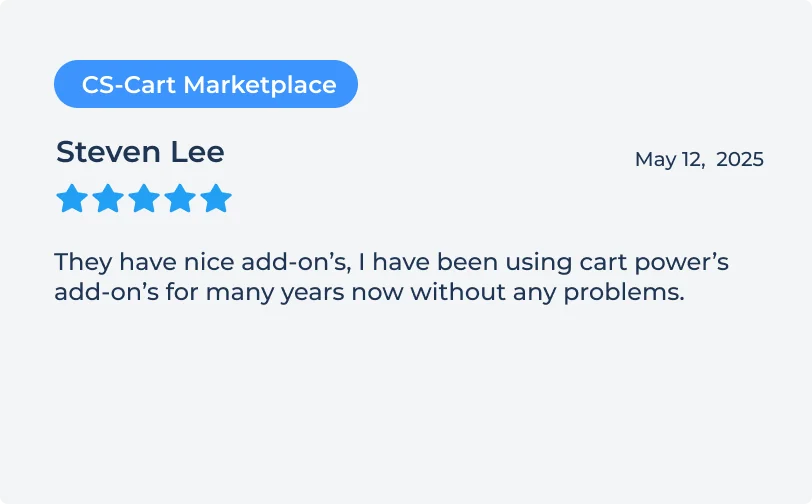
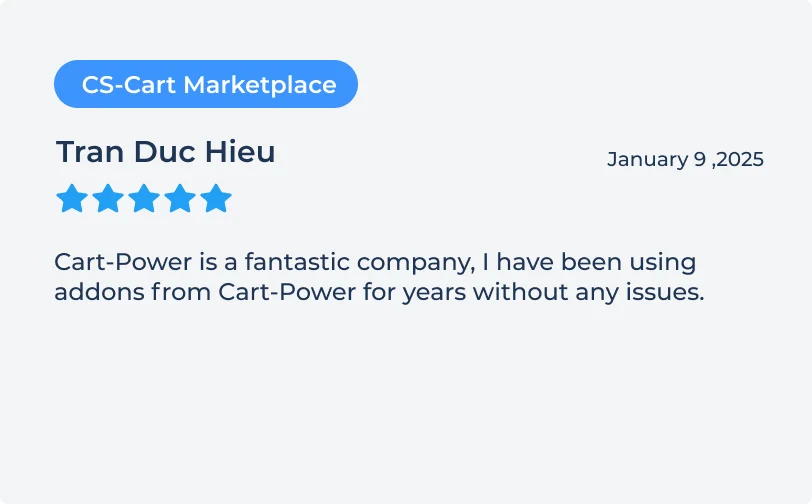
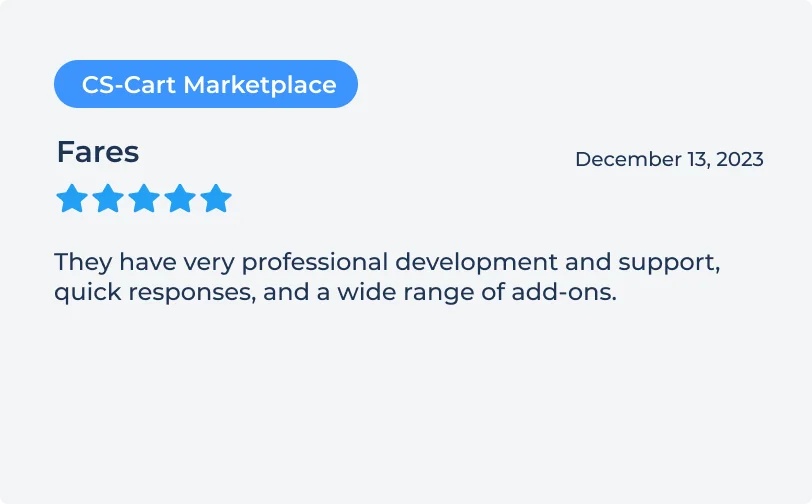
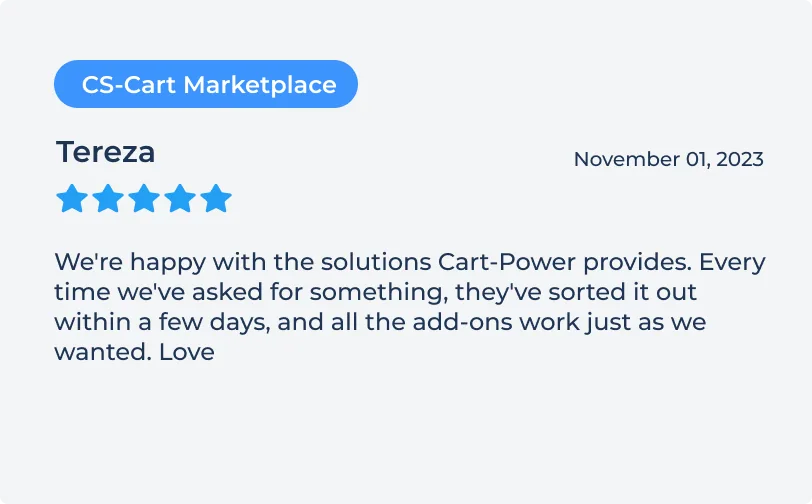
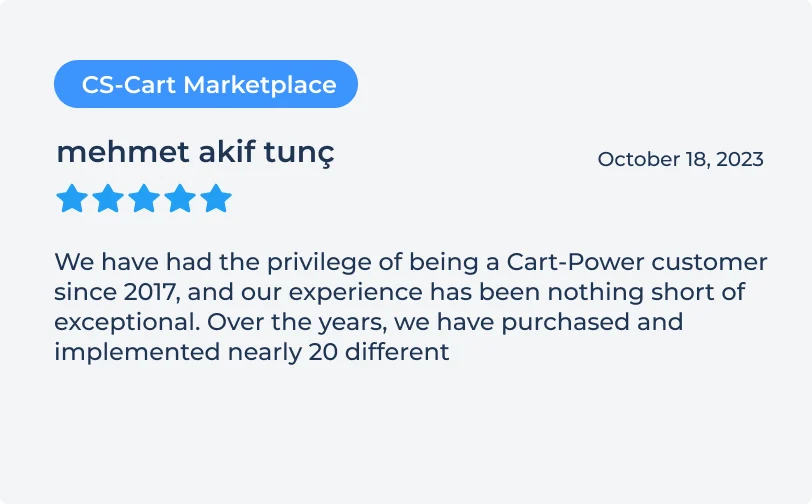
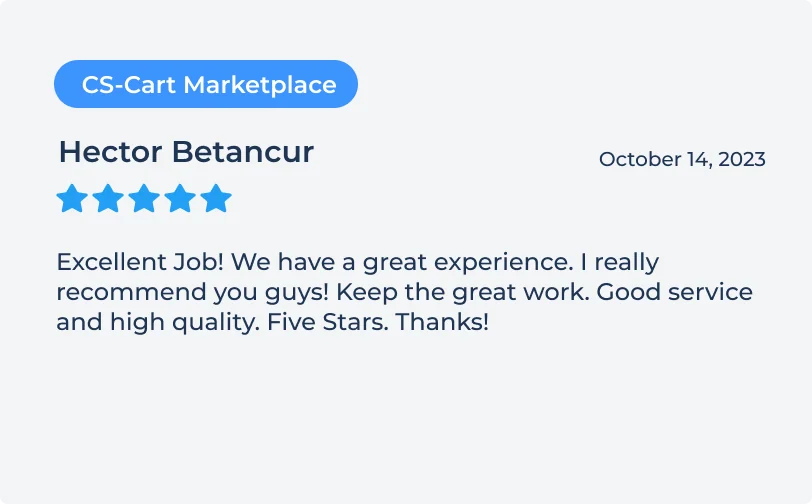
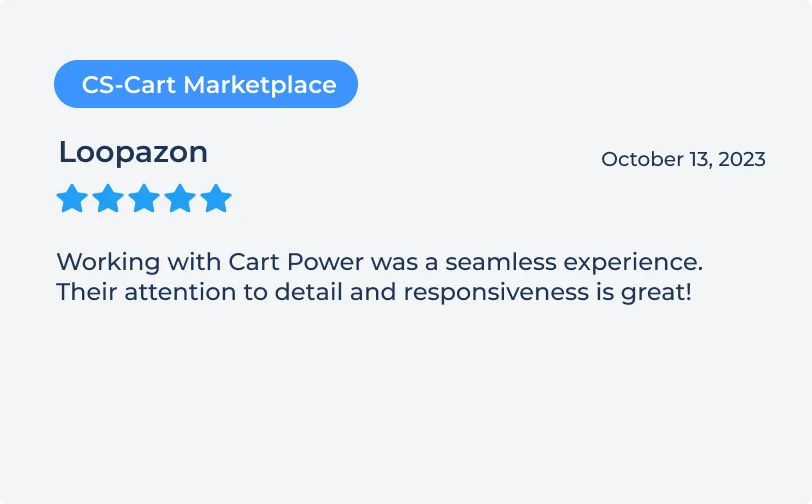
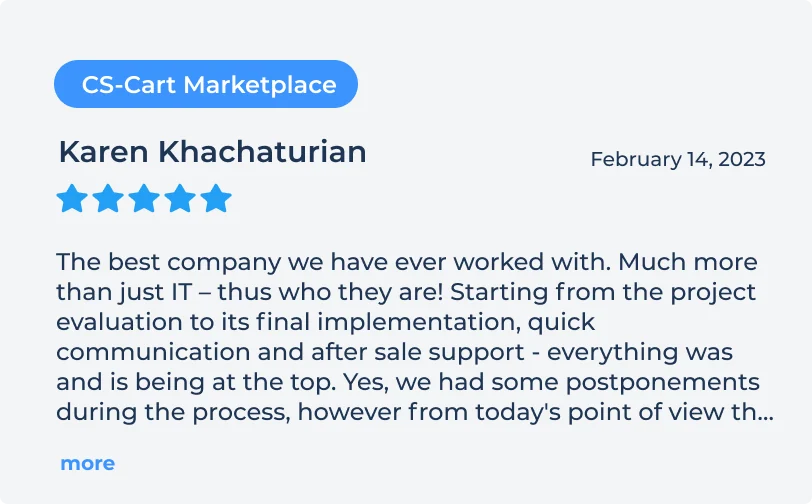
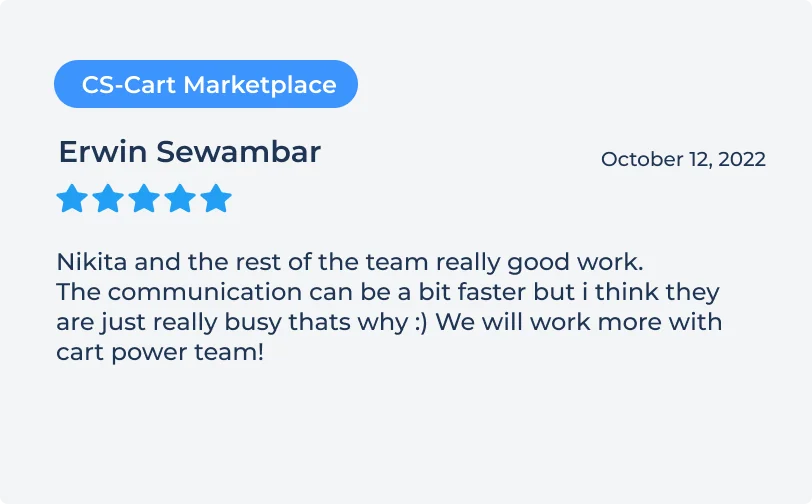
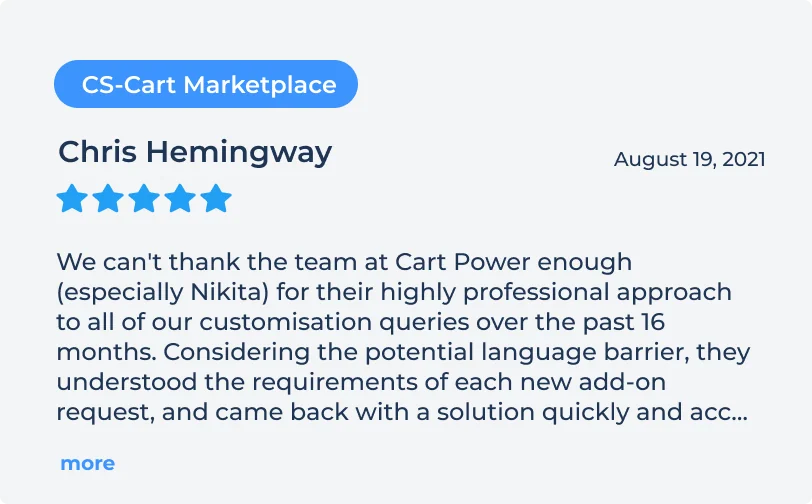
What store owners write about our work and our add-ons on the CS-Cart Marketplace.



Speed up
your store
Find out what slows your store down and what to fix first.